Titanium controls & movement
A newer build adds working hotbuttons, socials and chat editing. Get the latest build and see the complete Rust replacement roadmap. This page retains the control-reference release below.
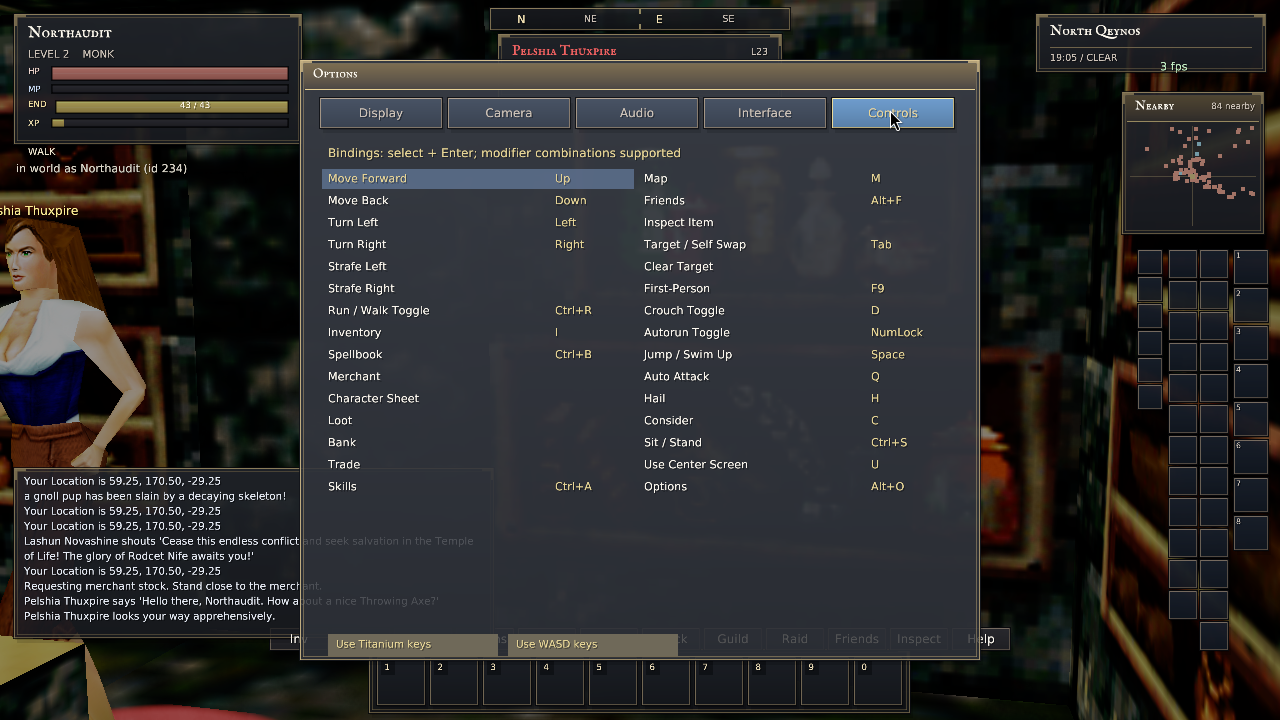
The old mixed control layout has been replaced with Titanium defaults and an explicit WASD preset. Ground movement now uses coefficients checked against the installed original Titanium executable and recorded in-game motion.
Install this build
Already on 20260929-230000? Use the small patch; it does not download the assets again.
Close the game. Extract the patch, open a terminal in controls-patch, and run:
./apply-update.sh "$HOME/Downloads/eq-client"Adjust the path if needed. Do not use sudo. The patch validates the existing binary and manifest and retains backups. For older or modified installs, extract the full download into a new folder. Your customized bindings are preserved; use Options → Controls → Use Titanium keys if you want to replace them explicitly.
Default controls
| Action | Control |
|---|---|
| Movement | Arrow keys or numeric keypad. Ctrl+R toggles run/walk; NumLock toggles autorun. Forward/back cancels autorun. |
| Mouse steering | Hold right mouse to turn and look. Hold both mouse buttons to move forward. Right mouse + turn keys strafes. Mouse up looks up unless inversion is enabled. |
| Camera | In wheel chase, wheel forward zooms in and enters first person at the model minimum; wheel back enters or extends chase. F9 preset views ignore wheel zoom. F9 cycles six original views: first person, overhead, close rear, two saved fixed-angle views and trailing view. F9 from wheel chase enters overhead. Page Up/Down looks; Home centers; Insert/Delete zooms only eligible F9 modes (close rear and the two fixed-angle views), without changing the camera mode. |
| Targeting | Left-click a body or visible name. F1 selects self; F2–F6 select group members; pressing the owner key again selects their pet. F7/F8 selects a visible player/NPC. Tab swaps self and the previous target. |
| Interaction | H hails; C considers; Q toggles attack. Right-click a merchant to request its shop, a corpse to loot, or an ordinary NPC to consider. U interacts at screen center. |
| Posture | D ducks, Ctrl+S sits/stands, Space jumps. A short Space tap is retained until the next physics step. |
| Chat & spells | Enter or / opens chat. T starts a tell; R replies. Alt+1–8 casts memorized spells. I opens inventory; Ctrl+B opens the spellbook. |
| Settings & display | Alt+O opens Options. F10 hides/shows UI; F11 toggles connection diagnostics; Alt+Enter toggles fullscreen. Escape closes a window or clears the target. |
Prefer WASD? Options → Controls → Use WASD keys sets W/S movement, A/D turning, C duck, Alt+C consider and X sit. Both presets retain mouse steering. Run/walk mode is saved.
What changed under the controls
- Normal run, backward walking, pure strafing and diagonal movement use the reference client's input gain and velocity retention. Fixed simulation steps and position interpolation separate movement from rendering FPS.
- Physical key tracking prevents releasing one movement alias from releasing another. Focus loss, loading and menu transitions clear stuck inputs.
- Captured mouse look is not limited by the desktop edge. A steering drag is not treated as a merchant click; two-button movement does not accidentally target.
- Frame limiting no longer sleeps inside the input/render callback.
- Connection Retry resets the front-door screen. Selective packet acknowledgements no longer discard earlier missing packets.
Verification
The original executable was run with normal keyboard/mouse input, then compared with the native client on isolated test characters in Qeynos. Automated ground-motion tests reproduce the recorded original velocity samples and check rendering-rate independence.
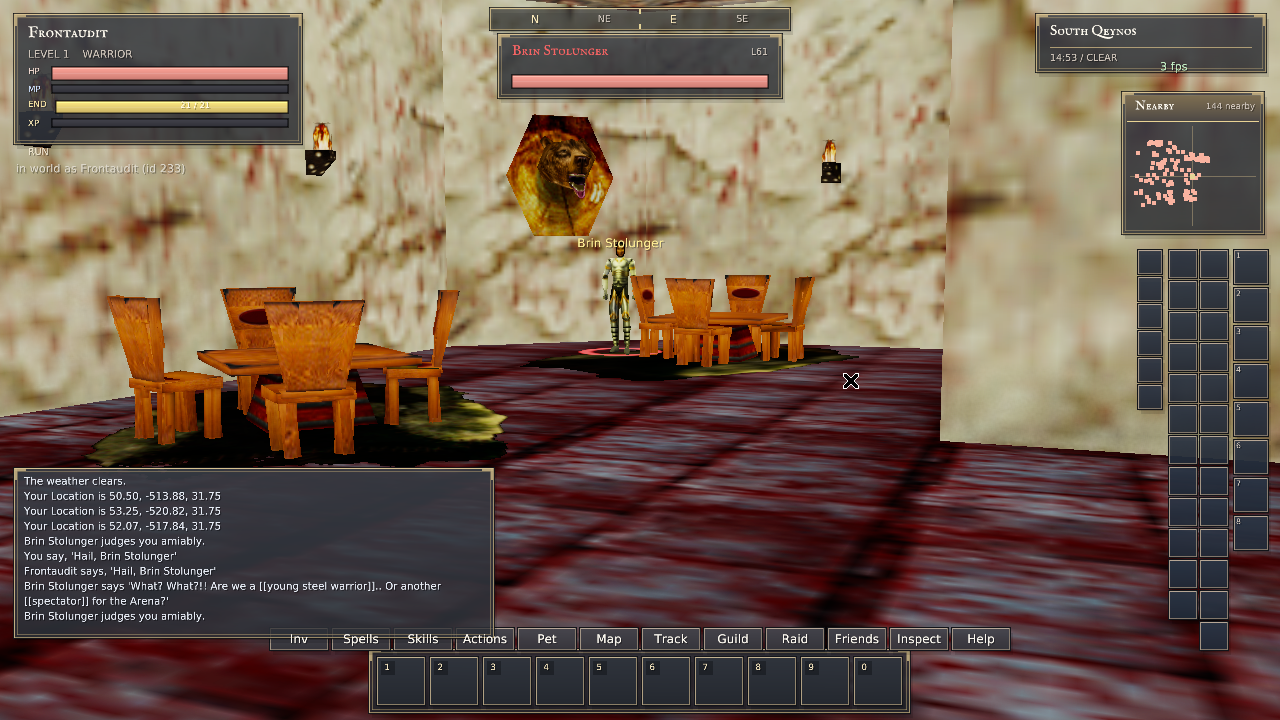
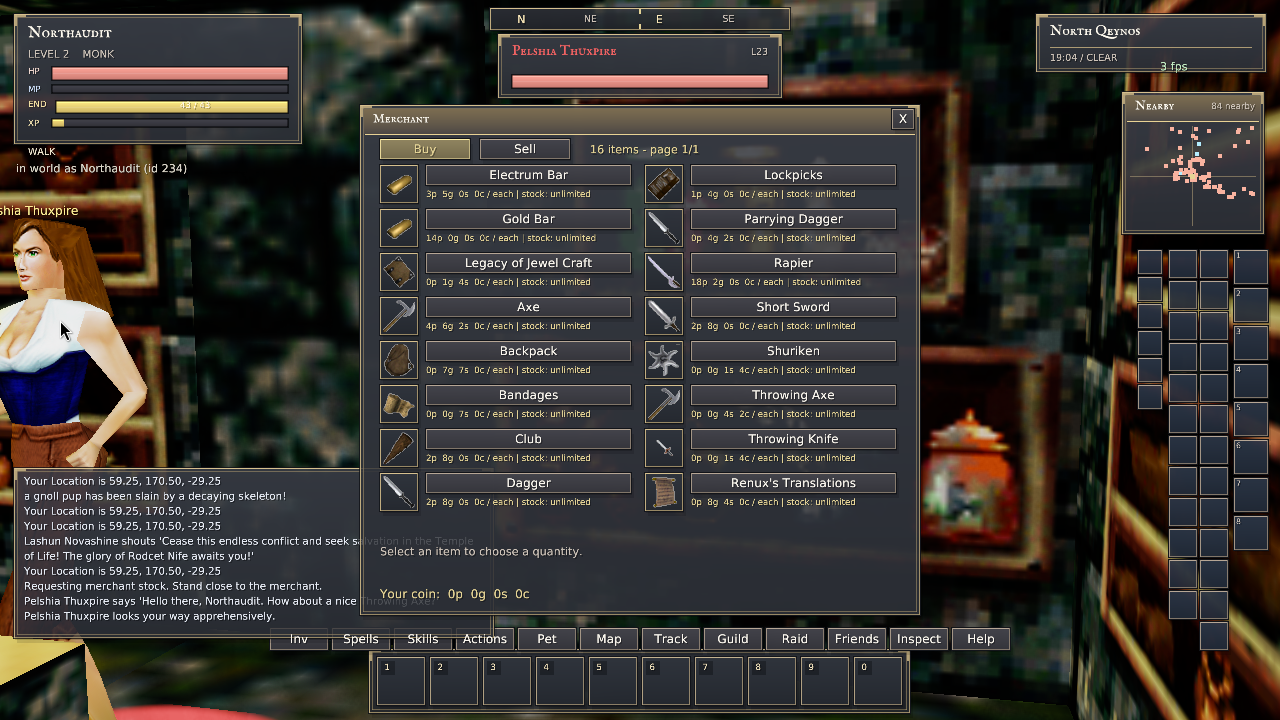
318 automated tests passed; two existing tests remain ignored. The portable Linux release build and Windows compile check passed. Live checks covered NPC hail replies, merchant stock, targeting, posture, wheel zoom, focus-loss stopping and camera control alongside open inventory.
Ordinary jumping now uses the original impulse, gravity and vertical drag. Regression checks reproduce recorded original velocity samples, keep jumps consistent across rendering rates, and prevent holding Space from repeatedly jumping after landing. Saved run/walk mode is synchronized with the server on entry.
View native in-game checks
These are software-rendered QA captures, not performance measurements of your NVIDIA GPU or changes to the production spectator.
Remaining parity work — not marked complete
This release is not 100% Titanium equivalence. The six-view F9 cycle now has targeted original/native comparisons. Ordinary unmounted wheel zoom and eligible F9 keyboard-zoom routing were repaired in build 20261001-260000. Full camera input/limit behavior, keyboard pitch, mounts, broader hotbutton/editor acceptance, remaining airborne collision/ceiling behavior, and movement modifiers such as buffs and encumbrance still require implementation or reference verification. Ordinary swimming also needs broader live acceptance. These are tracked separately from the ground-control fixes above.
The old binary-only updater remains unchanged because older asset layouts are incompatible. Windows compilation is checked, but this page distributes Linux builds. The QA host has no audio output device; jump sound dispatch and the server endurance event are checked, not audible playback.
This is global native-client work. It does not increase North Qeynos's zone-content audit percentage or certify the server database as fully classic.